Sometimes you may need to send diagnostics about how the app is performing to our engineering team. Follow these steps to help us troubleshoot potential issues.
Method 1 #
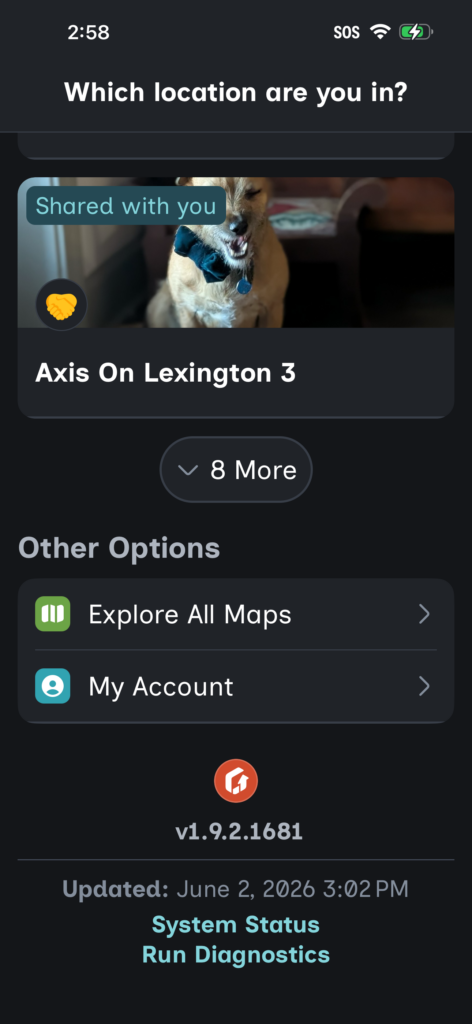
- Open the app.
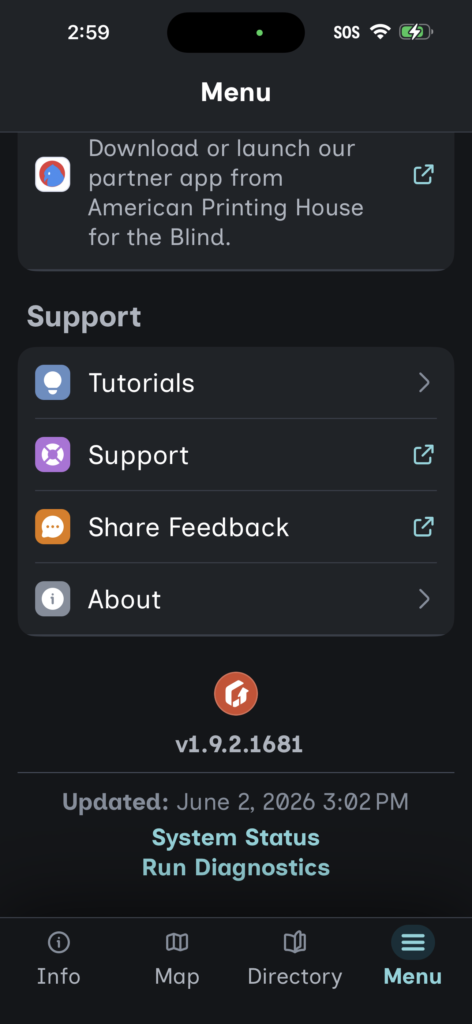
- Scroll to the bottom of the page.
- Tap Run Diagnostics.
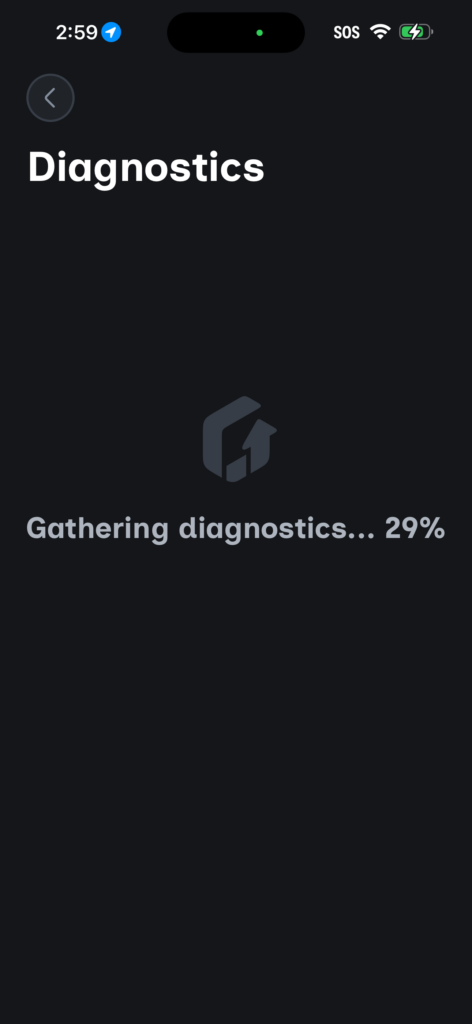
- The app will run a diagnostic check and send the results to our engineering team.
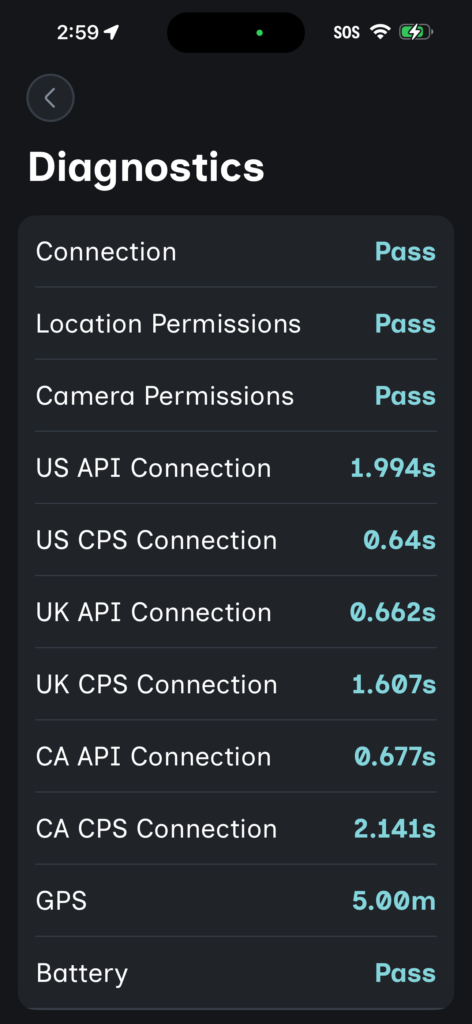
- You will also see a summary of the information collected on the Run diagnostics page.
Method 2 #
- Open the app.
- Check into your map.
- Go to the Menu tab.
- Scroll to the bottom of the page and tap Run Diagnostics.
- The app will run a diagnostic check and send the results to our engineering team.
- You will also see a summary of the information collected on the Run diagnostics page.