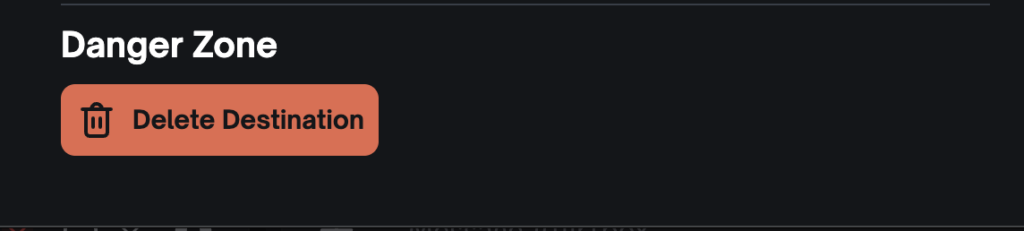
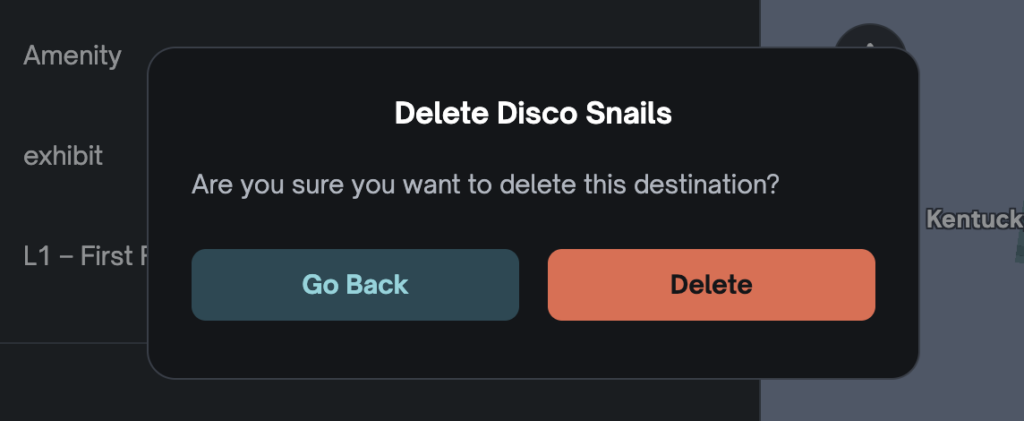
Sometimes a destination is no longer present on your map, so we have added a Delete Destination feature to Studio so you can edit your map to be up to date.
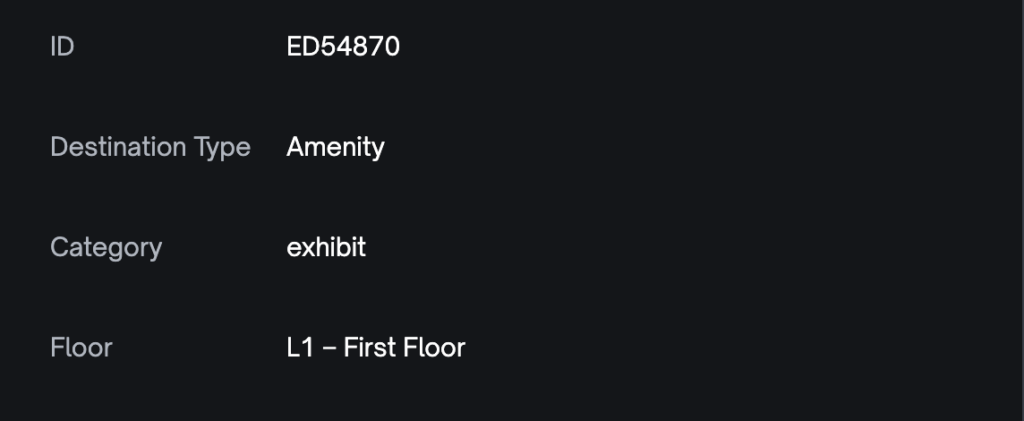
Note: At this time, you can only delete the Amenity Destination Type. You can see the Destination Type in the Attributes section of Editing a Destination.
How to Delete a Destination #
- Log in to Studio
- Select the map you wish to edit
- Click on the destination you want to delete.
- Check the Attributes to ensure the Destination Type is an Amenity.
- Scroll down and click Delete Destination.
- Click Delete to confirm.